Overview
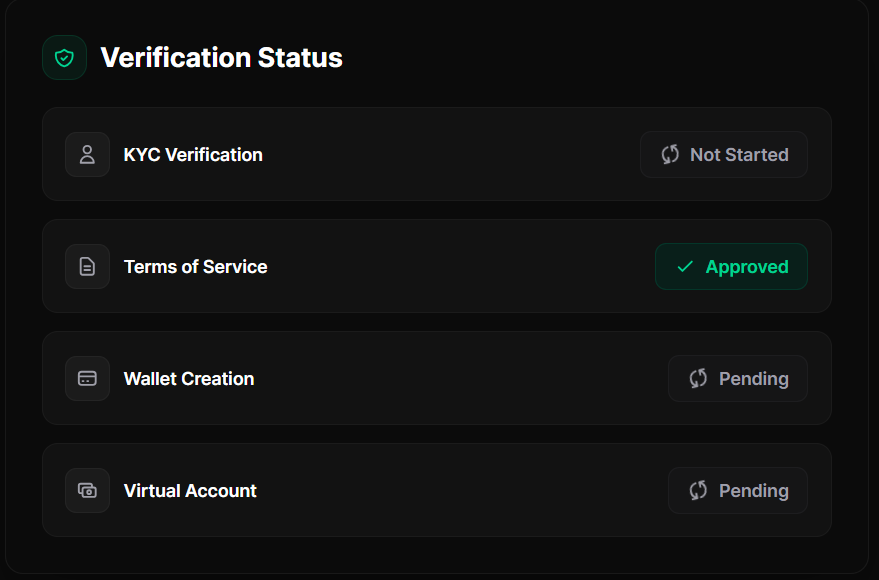
PRVT Market uses Bridge to manage identity verification (KYC) and Terms of Service (TOS). To trade (buy/sell), you must:- Have an active PRVT Market account
- Accept Bridge Terms of Service
- Complete KYC verification
Before you start
- You must have an account on PRVT Market.
- If you don’t have one yet, sign up here: Create an account
We recommend completing KYC verification after signup to get full access to PRVT Market resources.
Start verification
After your first login, you may be prompted to complete KYC onboarding. To begin, go to: KYC Verification On this page, PRVT Market generates your Bridge verification links using your account full name and email.Accept Terms of Service
Review and accept the Bridge Terms of Service. This step is required before verification.
Complete KYC verification
The KYC flow includes the following steps:
Basic information
Provide the following details:
- Country
- First name
- Middle name (optional)
- Last name
- Date of birth
- National ID number
- Address
Document verification
Scan a valid identity document. Supported types include:
- National ID
- Driving license
- Passport
Results: Approved or Rejected
After you complete verification, Bridge returns a final result:- Approved
- Rejected
If approved
Once your KYC is approved and TOS is accepted, you can access PRVT Market resources such as trading (buy/sell).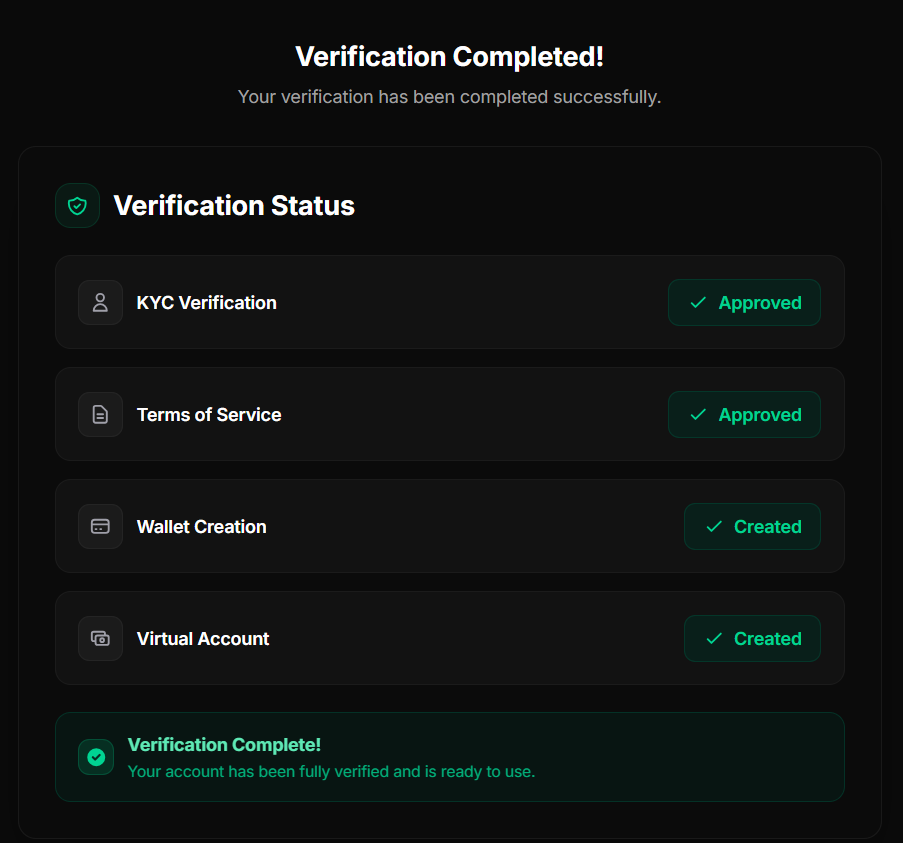
In rare cases, wallet and virtual account creation may fail even if KYC is approved and TOS is accepted. If this happens, please contact us for support at hello@prvtmarket.com.
If rejected
If your verification is rejected, you can restart the process at any time from the KYC page.